
Video Guides
Insurance how-to videos.
Each video is under 40 seconds and shows the exact taps on your phone, with the same steps written out next to it.
How to File an Insurance Claim Online With Dragon Insurance
A 33-second walkthrough of filing a claim from your phone: open the Dragon Insurance menu, go to File Your Claim, tap Find My Carrier and open your insurance company's official claims page or phone line.
How to file a claim in 5 steps
- Go to mydragon.us and open the menu.
- Tap Resources, then File Your Claim.
- Tap Find My Carrier.
- Scroll to your insurance company and tap it to open its official claims page or claims phone line.
- Company not listed? Tap Contact Us or call 717-229-5115 and we will help you report it.
Have your policy number, photos of the damage, and the date and place of the loss ready.
How to Get a Free Personal Insurance Quote Online
A 35-second walkthrough of requesting a free auto, home, renters, RV or boat insurance quote from Dragon Insurance on your phone, from choosing your coverage to sending the short quote form.
How to get a personal insurance quote in 5 steps
- Go to mydragon.us and open the menu.
- Tap Personal Insurance.
- Pick your coverage, such as auto, home, renters, RV or boat.
- Tap Get a Quote and choose the state you need coverage in.
- Fill out the short form and send it. A licensed agent compares carriers for you and replies within about 1 hour on business days.
Prefer to talk? Call 717-229-5115, Monday to Friday, 9:00 AM to 5:30 PM ET, and we quote you on the call.
How to Get a Free Business Insurance Quote Online
A 37-second walkthrough of requesting a free small business insurance quote from Dragon Insurance, from picking coverage such as general liability to starting the short business quote form.
How to get a business insurance quote in 5 steps
- Go to mydragon.us and open the menu.
- Tap Business Insurance.
- Pick your coverage, such as general liability.
- Tap Get a Quote and choose your state. The business quote form opens in a new tab.
- Tap Start Quote and fill in the short form about your business. Online requests get a reply within about 1 hour on business days; trucking and complex commercial quotes can take 1 to 2 business days.
Prefer to talk? Call 717-229-5115, Monday to Friday, 9:00 AM to 5:30 PM ET.
Insurance We Quote: Auto, Home, Business, RV and Boat
A 22-second overview of the insurance Dragon Insurance quotes as a local independent agency in Camp Hill, PA: auto, home, business, RV, boat, motorcycle and commercial trucking.
Coverage shown in the video
- Auto insurance
- Home, renters and landlord insurance
- Business insurance, including general liability and workers compensation
- Commercial trucking insurance
- RV, boat and motorcycle insurance
- Umbrella insurance
Rather talk it through?
Call and we start your quote on the call. Online requests get a reply within 1 hour on business days.
More Ways We Can Help
File a Claim
Carrier claims links and help reporting a loss.
Learn more
Claims Process Step-by-Step
What happens after you report a claim.
Learn more
Small Business Insurance Quote
General liability, BOP and workers comp quotes.
Learn more
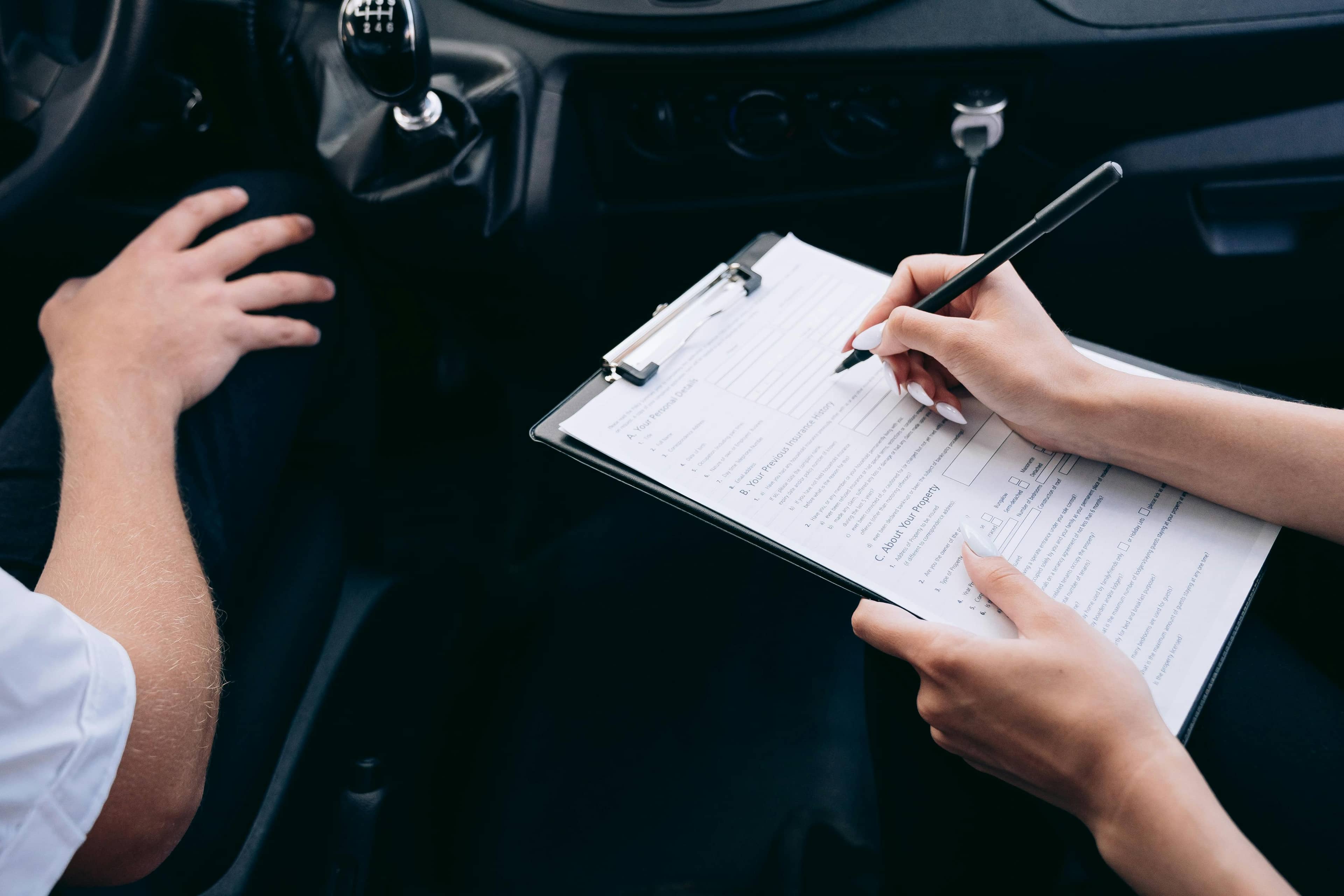
Auto Insurance
Compare auto quotes side by side.
Learn more
Insurance FAQ
Answers to common insurance questions.
Learn more
Contact Us
Talk to a licensed advisor.
Learn more